What is a minimum length of stay and why use it?
A minimum length of stay is used to welcome guests with the highest value to your accommodation. In practice, you often prefer reservations of two or more nights over bookings of just one night. Not because a one night stay is necessarily unfavorable, but because longer stays help you sell more nights around peak days, generate more revenue, and at the same time reduce operational pressure. Fewer short stays often mean fewer check outs, fewer cleaning moments, and lower linen and housekeeping costs.
Boosting shoulder nights with MinLOS
A common use of MinLOS is boosting your shoulder nights. Imagine Saturday is the most popular day and sells out quickly, while Friday lags behind as a weaker day. In that case, you want to use the strong Saturday to pull demand toward the weaker Friday. By setting a minimum length of stay on Saturday, you prioritize guests who are willing to stay on Friday as well, instead of guests who only book Saturday. This increases the chance that Friday fills up, raises your total revenue, and reduces operational costs because you have fewer room turnovers.
Setting MinLOS in RevControl based on occupancy
In RevControl, you can create your own MinLOS strategy, either for the entire property or per room type. You decide when the restriction is activated and what it is based on. One option is to link MinLOS to the current occupancy level. In that case, the minimum length of stay gradually increases as more reservations come in. For example, you can set MinLOS 2 to activate at 80% occupancy and MinLOS 3 at 95% occupancy. The advantage is that you steer more strictly as you fill up. The downside is that in the early booking phase you may not apply MinLOS yet, which can cause you to fill up with one night stays and later have to turn away guests who want to stay two or three nights.
Proactive steering by linking MinLOS to the forecast
That is why you can also link MinLOS in RevControl to the forecast. Instead of waiting until occupancy reaches a certain level, you proactively steer based on expected demand. To calculate this forecast, RevControl reviews changing reservation data in your PMS every fifteen minutes and compares it with historical booking patterns. The higher the expected forecast, the higher the market demand for that day and the earlier it becomes interesting to activate MinLOS. This way, you miss out on less additional revenue by restricting too late. And when the forecast turns out lower than previously expected, MinLOS can be removed again to attract extra bookings.
You stay in control of the strategy
Setting up your MinLOS strategy remains fully in your hands. You decide at which percentage MinLOS becomes active or inactive, which room types it applies to, for which period you use it, and which data it is based on. If you have specific days during the year when you always want to apply a minimum length of stay, such as local holidays or vacation periods, you can easily add an event with MinLOS.
Automatic distribution and manual adjustments
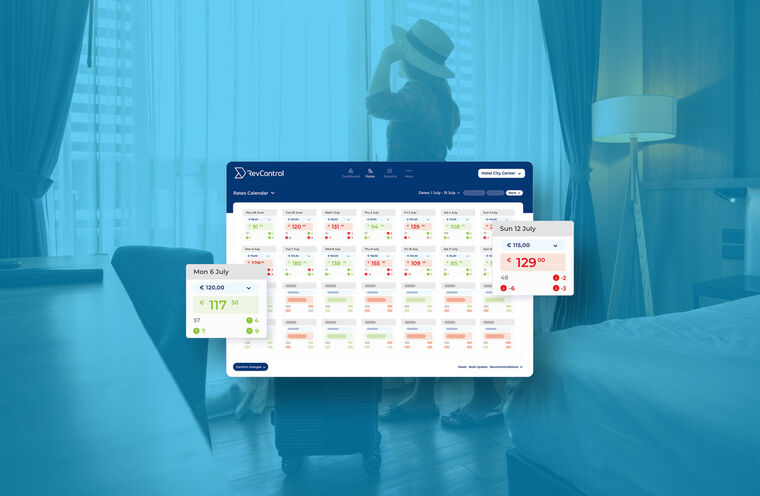
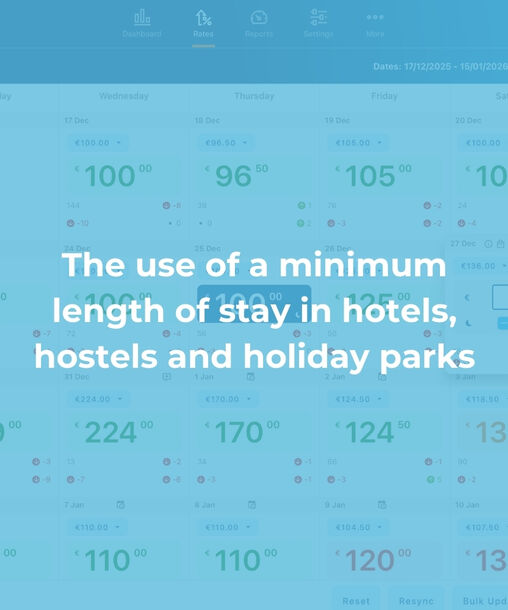
When MinLOS is active, the length of stay is automatically adjusted and pushed to your reservation system and channels. If you still want to make manual adjustments, you can do so in the Rates Calendar. There you can see which MinLOS is active per day, view the recommended rate, and easily adjust the values, which are then pushed through immediately.
Would you like to see this in practice and discover which MinLOS strategy best fits your hotel, hostel, or holiday park? Schedule a demo via the button below.