Setting up events in RevControl
In RevControl, you can add events yourself and indicate how important they are for your property. The higher the expected demand, the greater the impact. In addition, you can set a minimum length of stay for each event or add a price supplement. This way, you can respond optimally to periods when demand is especially high.
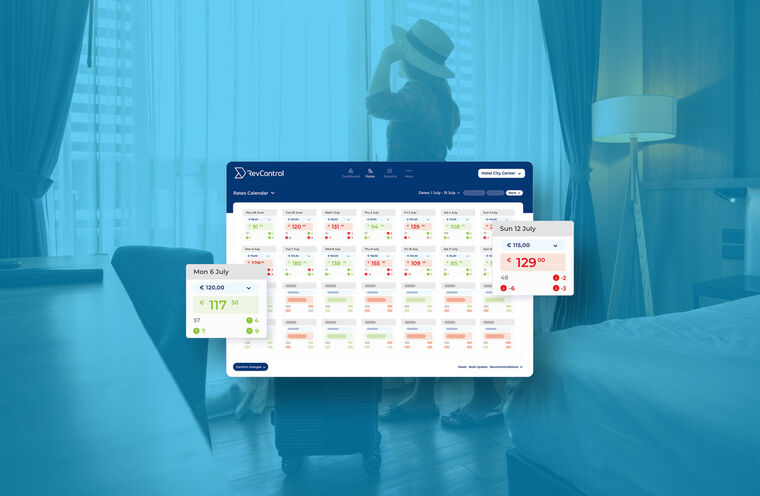
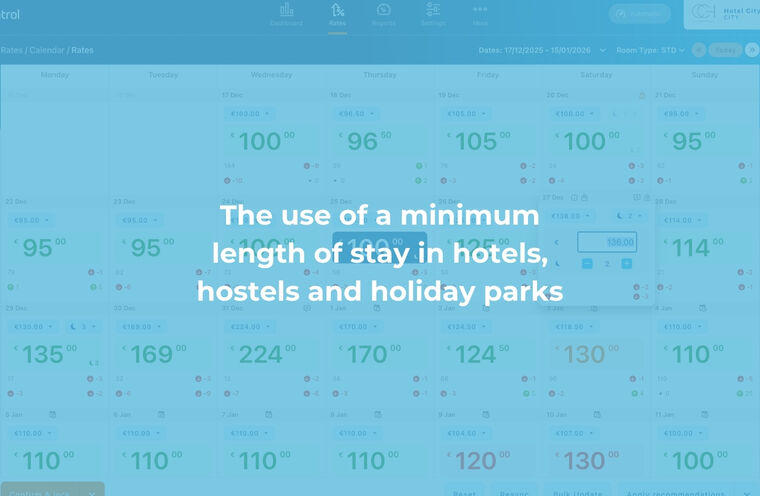
Added events are taken into account across the entire system. In reports, you’ll see them as a possible explanation for strong revenue on specific days. Historical events are also added to make analyses more accurate. They also appear in the Rates Calendar and on the dashboard, so you’re always aware of all key dates.
If you work with multiple properties in RevControl, you can easily link events to multiple locations at once. This helps you stay organized and work consistently across your entire portfolio.
Do you have questions about our event module? Feel free to email us or send a message via chat. You can also schedule a meeting via the link below. We’d be happy to show you how this feature can strengthen your revenue management strategy.